Meet MM AI: Ask About All Things Economic

MM AI is MacroMicro’s AI research assistant, combining hundreds of millions of data points with a comprehensive analytical framework to be your dedicated, 24/7 researcher.
Explore macro trends, industries, and company earnings through conversations and follow-up questions.
From Charts to Deeper Research: Let AI Find the Key Insights
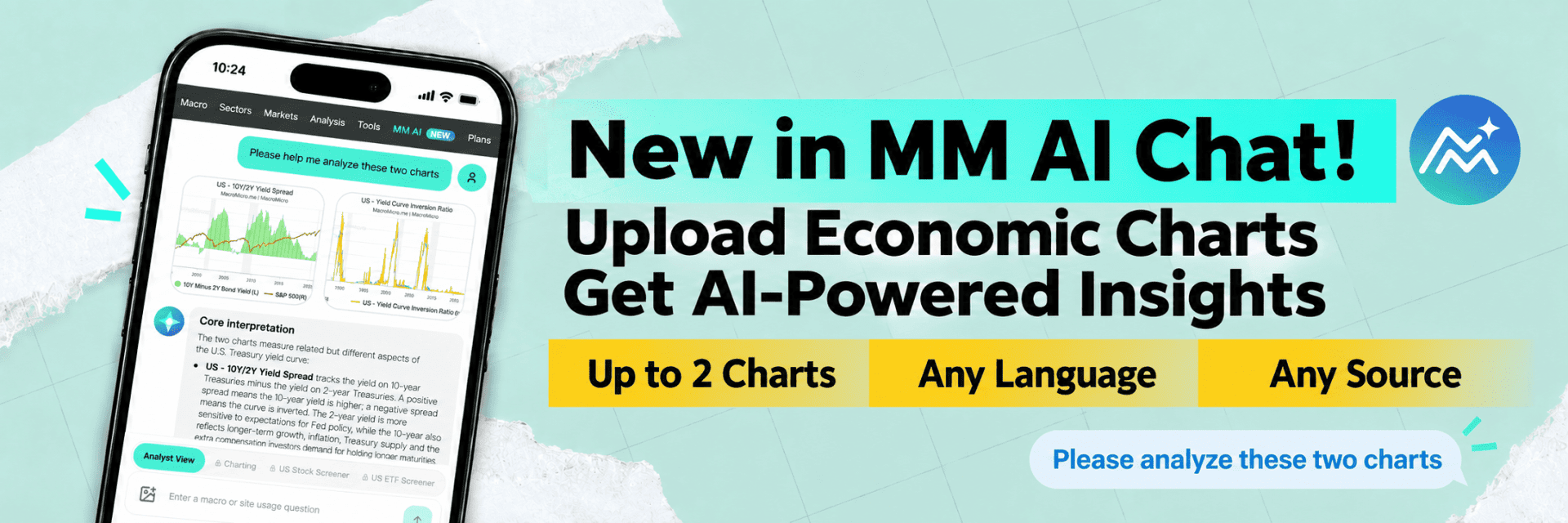
Spotted a trend? You may wonder:
- Does this turning point matter?
- Why are two indicators diverging?
- What data could confirm the findings?
Share your charts and questions with MM AI Chat to organize observations, explore further, and identify your next research steps. Here’s how to get started!
From MacroMicro charts to international research reports, turn any economic chart into a starting point for deeper analysis!
1. Upload Charts: Any Language, Any Source!
-
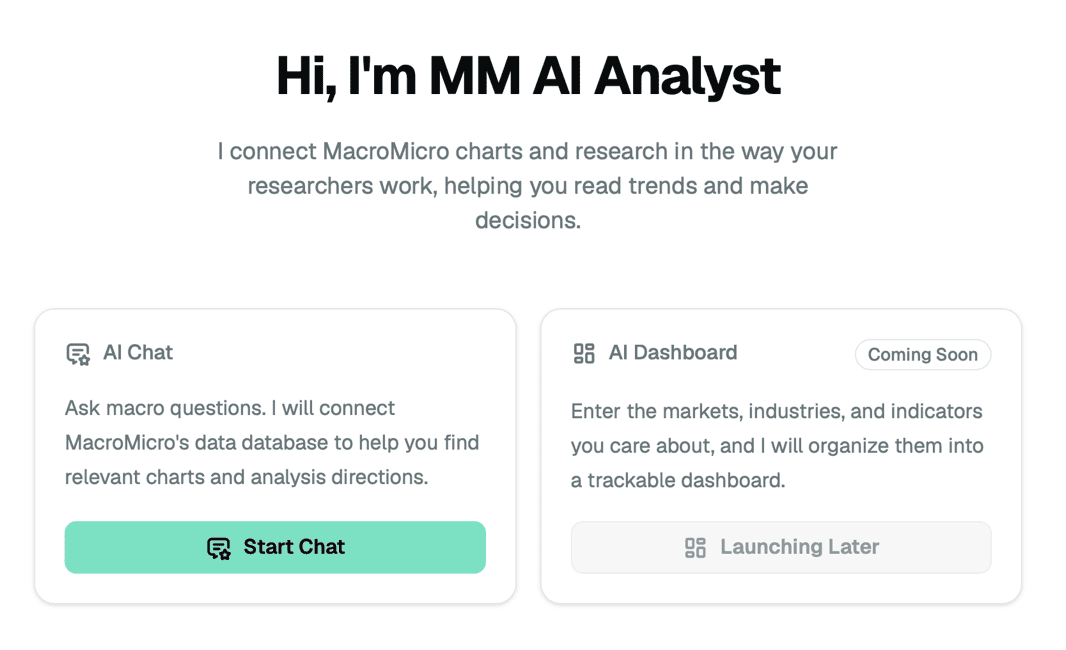
Become a MM Max AI subscriber and open MM AI Chat!
-
Upload up to 2 economic charts at a time, from MacroMicro, other websites, or research reports. Keep titles, axes, and legends visible to help AI interpret the charts.

2. Ask a Question: Get the Key Insights!
-
After uploading, ask what you want to know. For example: “Please analyze this chart. What is Bitcoin’s current trend, and is now a good time to buy?”
-
As shown below, MM AI Chat organizes its analysis into bullet points. Even if the charts are in another language, you can ask for an explanation in your preferred language!
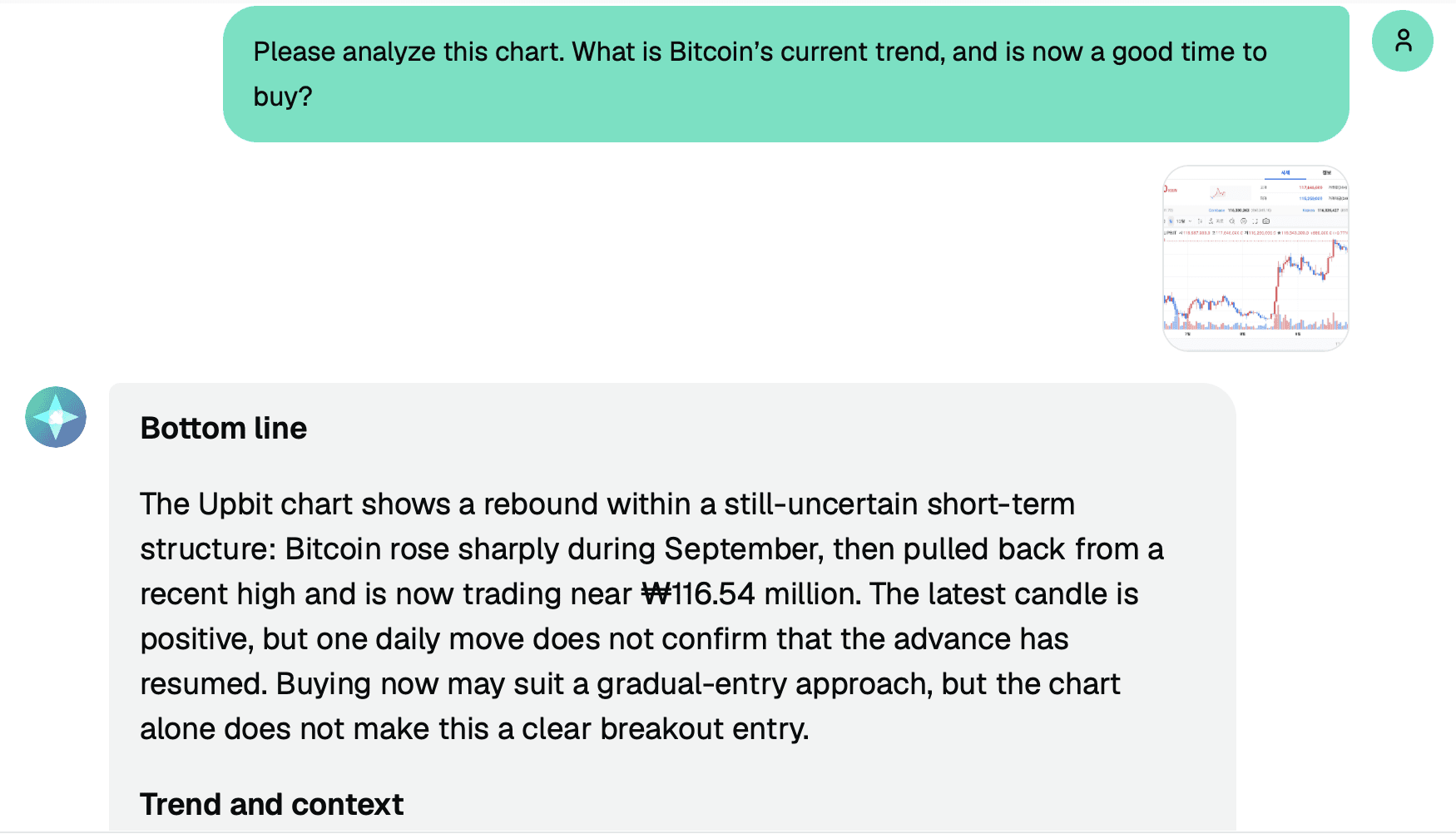
The image above shows a partial preview. Visit MM AI to unlock the full experience.
3. Compare Charts and Ask Follow-Up Questions!
-
Want to compare two indicators? Upload both charts and ask: “What do these two charts say about inflation? Is it driving Treasury yields higher, and how could that affect my portfolio?” Then follow up: “Which other economic indicators could help verify these observations?”
-
From analyzing one chart to comparing two, make charts the starting point for a research conversation. Cross-check important figures and conclusions against the original sources.
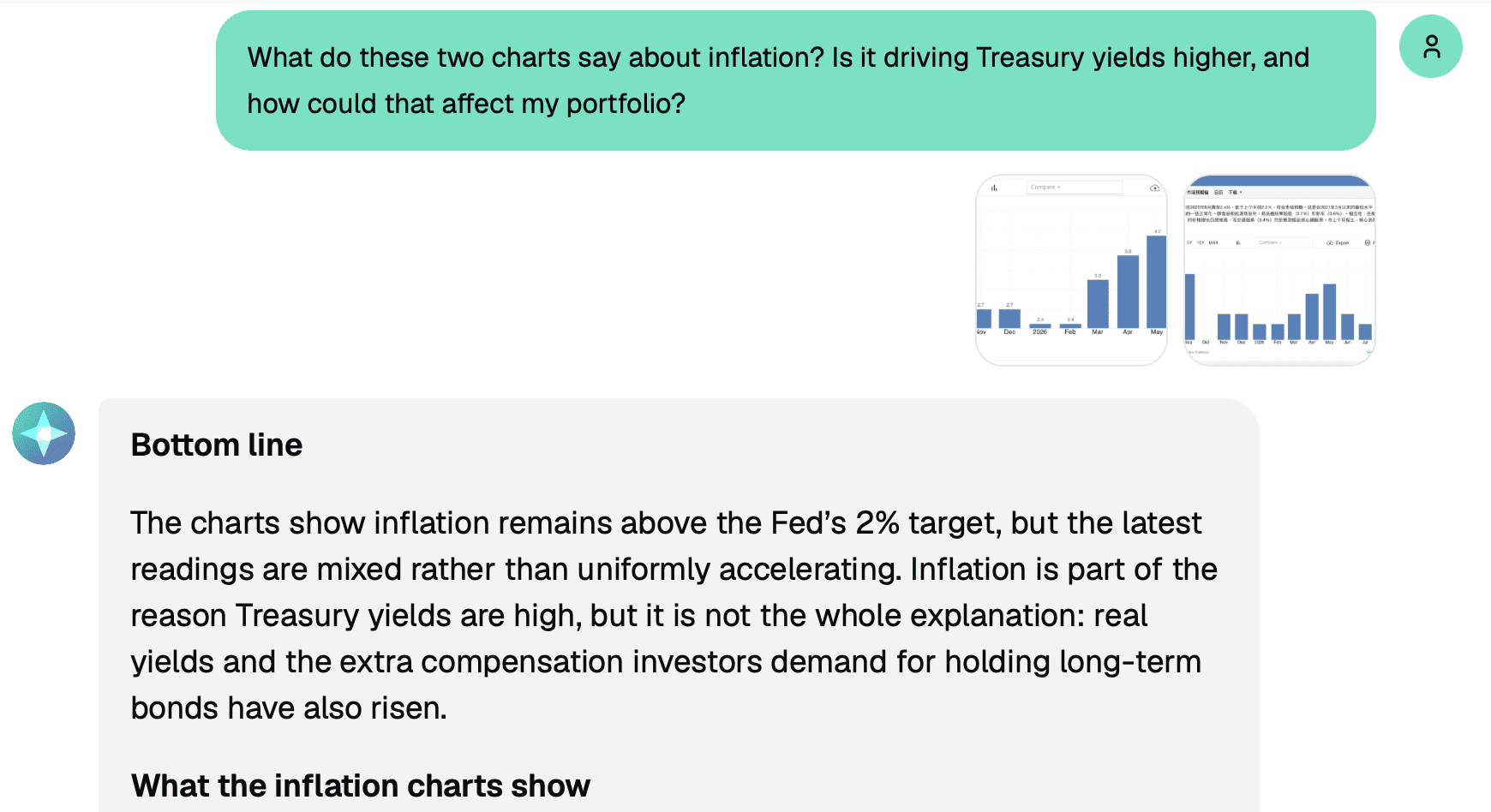
The image above shows a partial preview. Visit MM AI to unlock the full experience.
Go Beyond Charts: Make Smarter Investment Decisions with MacroMicro!
Alongside external charts, explore MacroMicro’s charts, research reports, Industry Intelligence platform, and U.S. earnings database.
Upload economic charts to MM AI Chat and ask about trends, relationships between indicators, or research questions.
From reading reports and finding data to deeper AI analysis, get more from your subscription! Open MM AI Chat, upload a chart, and start your research conversation.
Meet MM AI: Ask About All Things Economic
MM AI is MacroMicro’s AI research assistant, combining hundreds of millions of data points with a comprehensive analytical framework to be your dedicated, 24/7 researcher.
Explore macro trends, industries, and company earnings through conversations and follow-up questions.
From Charts to Deeper Research: Let AI Find the Key Insights
Spotted a trend? You may wonder:
- Does this turning point matter?
- Why are two indicators diverging?
- What data could confirm the findings?
Share your charts and questions with MM AI Chat to organize observations, explore further, and identify your next research steps. Here’s how to get started!
From MacroMicro charts to international research reports, turn any economic chart into a starting point for deeper analysis!
1. Upload Charts: Any Language, Any Source!
-
Become a MM Max AI subscriber and open MM AI Chat!
-
Upload up to 2 economic charts at a time, from MacroMicro, other websites, or research reports. Keep titles, axes, and legends visible to help AI interpret the charts.
2. Ask a Question: Get the Key Insights!
-
After uploading, ask what you want to know. For example: “Please analyze this chart. What is Bitcoin’s current trend, and is now a good time to buy?”
-
As shown below, MM AI Chat organizes its analysis into bullet points. Even if the charts are in another language, you can ask for an explanation in your preferred language!
The image above shows a partial preview. Visit MM AI to unlock the full experience.
3. Compare Charts and Ask Follow-Up Questions!
-
Want to compare two indicators? Upload both charts and ask: “What do these two charts say about inflation? Is it driving Treasury yields higher, and how could that affect my portfolio?” Then follow up: “Which other economic indicators could help verify these observations?”
-
From analyzing one chart to comparing two, make charts the starting point for a research conversation. Cross-check important figures and conclusions against the original sources.
The image above shows a partial preview. Visit MM AI to unlock the full experience.
Go Beyond Charts: Make Smarter Investment Decisions with MacroMicro!
Alongside external charts, explore MacroMicro’s charts, research reports, Industry Intelligence platform, and U.S. earnings database.
Upload economic charts to MM AI Chat and ask about trends, relationships between indicators, or research questions.
From reading reports and finding data to deeper AI analysis, get more from your subscription! Open MM AI Chat, upload a chart, and start your research conversation.

